Enshrouded Dedicated Server Setup Guide
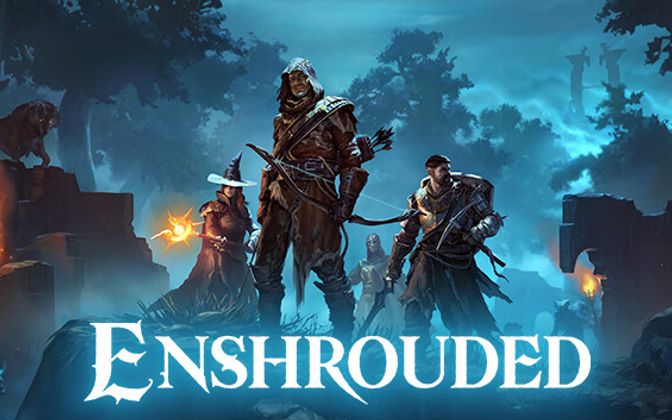
Deploy and configure your Enshrouded dedicated server on MANAfuel with world settings, player slots, and password configuration.
Deploy Your Enshrouded Server
Open the MANAfuel dashboard and click Deploy. Select Enshrouded, choose your plan (Gamer plan with 8 GB recommended — Enshrouded is memory-intensive), and pick a server name. Your server deploys with the latest game build and default settings. Enshrouded servers take 2 to 3 minutes to fully initialize on first boot as the world generates.
Configure Server Password and Name
Open your server settings in the MANAfuel dashboard. Set a server name (appears in the in-game server browser) and an optional password to restrict access. Without a password, any player can join from the server browser. For private co-op groups, always set a password. These settings apply on the next restart.
Set Player Slots
Enshrouded supports up to 16 players per server. Set the max player count in your server settings. For small co-op groups (2 to 4 players), the Starter plan works well. For 8+ players exploring different areas simultaneously, the Gamer or Creator plan provides the memory headroom Enshrouded needs for multi-zone simulation.
Share Connection Info
In your MANAfuel dashboard, find the Connection Info section showing your server IP and port (default 15637 UDP). Players can connect through the in-game server browser by searching for your server name, or by direct connect using the IP and port. Share these details with your group through Discord or your community platform.
Manage World Progress
Enshrouded saves automatically at regular intervals. Create manual save points from the MANAfuel dashboard before major exploration pushes or boss attempts. If something goes wrong — a base collapses, a boss wipes the group — restore from the save point to undo the damage. MANAfuel keeps 14 save points on your schedule, giving you a deep rollback history.