
7 Days to Die Server Hosting
Voxel destruction, horde-night mayhem, and Darkness Falls on premium AMD Ryzen 7 9800X3D hardware. Bob watches the server so you can focus on fortifying the walls.
Built for 7 Days to Die Players.
Every server runs the same enterprise stack. No upsells, no paywalls — the features below are included on every plan.
Hosted in US-East - Low Ping for North American Players
Your 7 Days to Die server runs on premium AMD Ryzen 7 9800X3D hardware in Vint Hill, Virginia - US-East. For players on the East Coast, Mid-Atlantic, and Southeast, that means typical pings under 30ms. Players in the Midwest and Texas typically see 40-70ms.
Where Your Server Lives
MANAfuel operates one game-server region: Vint Hill, Virginia - US-East. Every supported game server runs in that real region, on the same hardware class, with the same network path. If you are on the Pacific Coast, typical ping is closer to 70-90ms. From Western Europe, typical ping is closer to 100-140ms.
What Low Ping Means for 7 Days to Die
For 7 Days to Die, responsive server timing matters most on horde night. Lower ping helps melee hits, zombie positions, and base defenses feel consistent.
Stupid fast hardware.
Premium AMD Ryzen 7 9800X3D hardware. NVMe Gen4. DDR5. 10 Gbps uplinks. No shared cores. No oversold nodes. No surprises on wipe day.
Premium AMD Ryzen 7 9800X3D hardware
Dedicated hardware keeps CPU-heavy game server workloads responsive.
Low-latency memory
ECC DDR5 at 6400 MT/s. Chunk loading and entity sims stop being the bottleneck.
Sub-100µs reads
Enterprise NVMe Gen4 SSDs. World saves and backups complete in milliseconds, not minutes.
Tier-1 uplinks
10 Gbps premium transit and edge-scrubbed DDoS protection from Vint Hill, Virginia - US-East.
Bob - Your 7 Days to Die Server's AI Sysadmin
Bob scans your 7 Days to Die server, diagnoses logs, watches resource pressure, and fixes common issues after you approve the plan.
7 Days to Die Server Hosting.
AI Ops included.
Plans from $12/mo. Billed monthly · No setup fees · Cancel anytime · $1.50/GB-month.
Starter - $12.00/mo
- ✓Up to ~10 players
- ✓DDoS protection
- ✓NVMe storage
- ✓XML mod support
- ✓Bob AI ops
- ✓14 save points
Gamer - $18.00/mo
- ✓Up to ~20 players
- ✓DDoS protection
- ✓NVMe storage
- ✓Darkness Falls + overhauls
- ✓Bob AI ops
- ✓14 save points
Creator - $30.00/mo
- ✓Up to ~40 players
- ✓DDoS protection
- ✓NVMe storage
- ✓Darkness Falls + overhauls
- ✓Bob AI ops
- ✓14 save points
How Much RAM Does 7 Days to Die Need?
Start with player count, mod load, and world size. These monthly plan totals keep pricing simple while Bob watches memory pressure and detects when a larger plan is worth considering.
| Use case | RAM | Recommended plan | Monthly cost |
|---|---|---|---|
| Small private server | 8 GB | Starter | $12.00/mo |
| Most groups and modded play | 12 GB | Gamer | $18.00/mo |
| Larger communities and heavy worlds | 20 GB | Creator | $30.00/mo |
How to Set Up Your 7 Days to Die Server
- 1Choose Starter, Gamer, or Creator based on player count, mods, and expected server activity.
- 2Name your 7 Days to Die server and choose the version or server type you want to run.
- 3Click Deploy. MANAfuel provisions the server and prepares the connection address.
- 4Share the server address and connect from the 7 Days to Die multiplayer menu.
Full mod support.
Darkness Falls, Undead Legacy, Ravenhearst — the overhauls that transform 7DTD into a different game. Tell Bob what you want. He installs, configures serverconfig.xml, and resolves conflicts.
Learn about 7 Days to Die Server Hosting.
Guides, tutorials, and admin references to help you run a better 7DTD server.
About 7 Days to Die
Server Hosting.
Built for Blood Moon Night
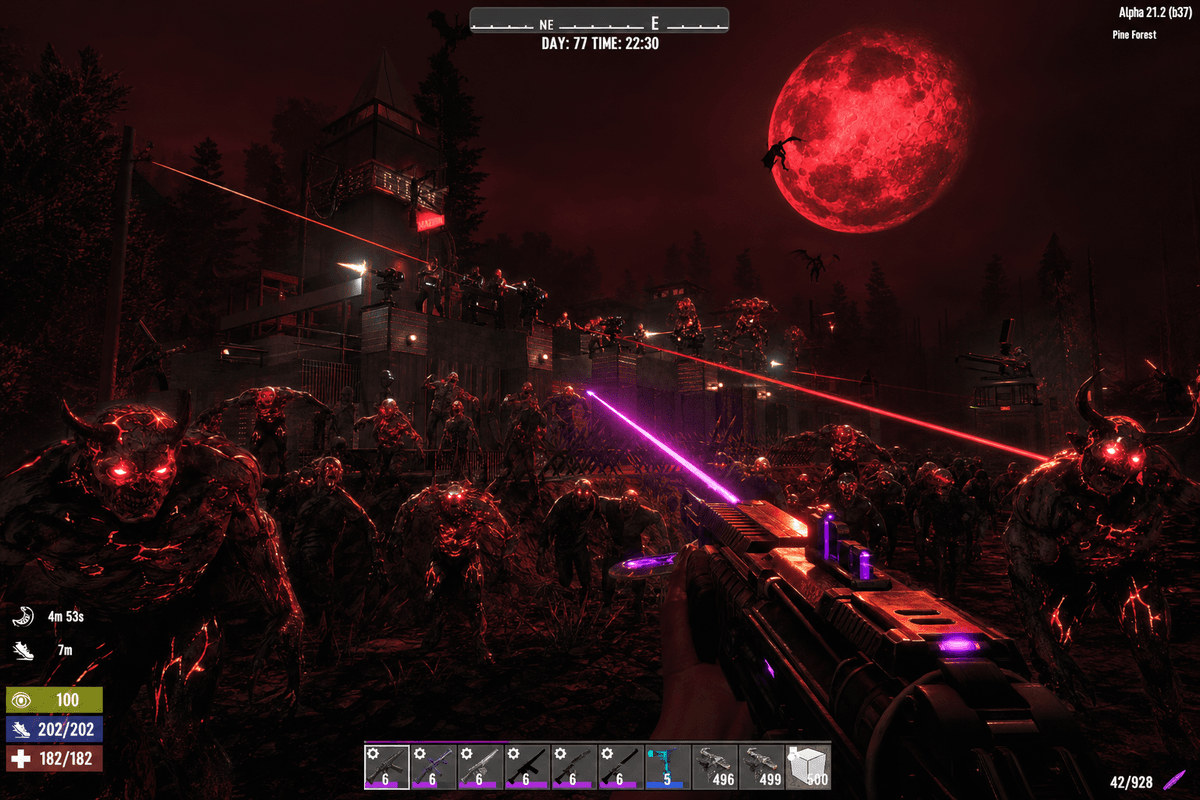
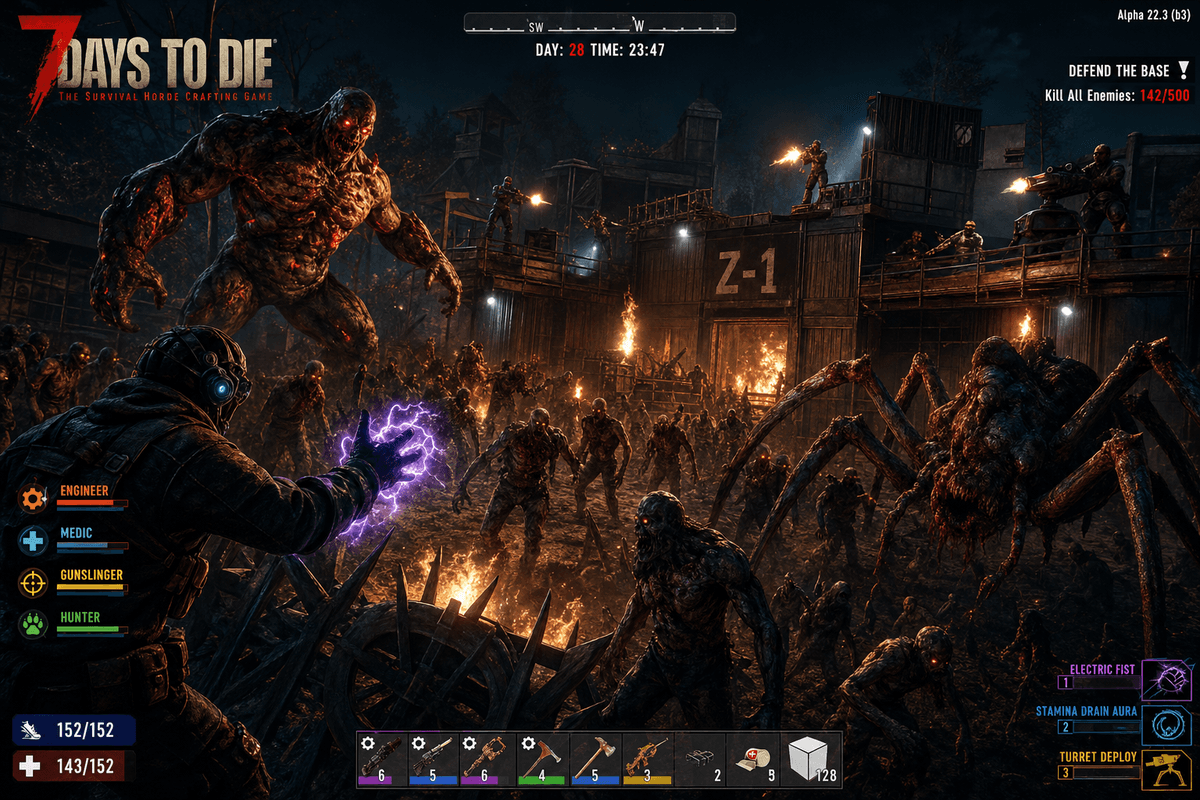
Every 7 days, the horde comes. Hundreds of zombies pathfinding toward your base, destroying blocks, breaching walls, and testing every trap you placed. This is the moment that separates real hosting from oversold hardware.
Premium AMD Ryzen 7 9800X3D hardware handles 7DTD's voxel destruction engine, zombie AI pathing, and physics calculations simultaneously. Your tick rate holds. Blocks break where they should. Traps trigger on time. Night 7 plays the way it was designed to.
Darkness Falls and Every Major Overhaul
Darkness Falls turns vanilla 7DTD into a different game — new classes, demon hordes, laser weapons, and a progression system that takes hundreds of hours. Undead Legacy reworks crafting and electricity from the ground up. Ravenhearst makes survival genuinely punishing.
Tell Bob which overhaul you want. He downloads it, configures serverconfig.xml to match the mod's recommended settings, and gets your server running. Switch between overhauls without losing your vanilla world — files are retained per configuration.
Your World Survives the Apocalypse
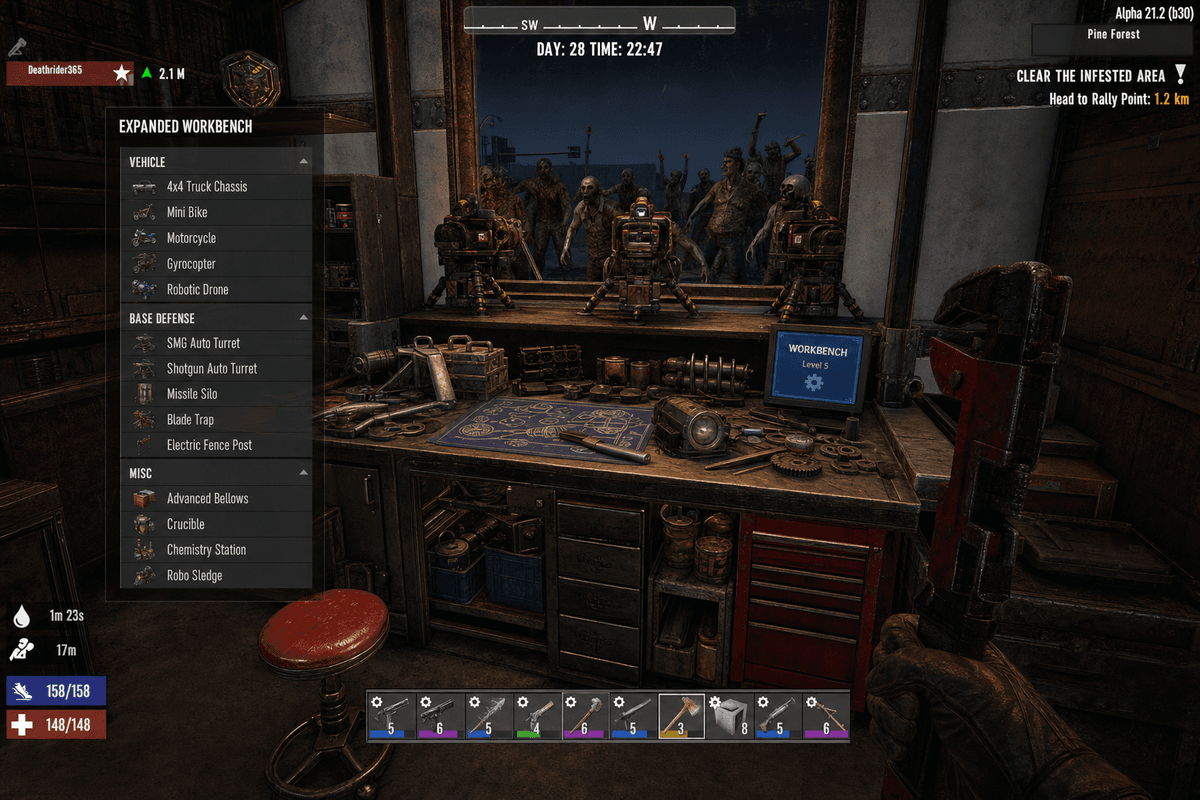
You spent 40 hours building a concrete fortress with electric fences, blade traps, and a kill corridor that funnels zombies into a meat grinder. A bad server crash should not erase that.
14 save points on a schedule you choose. Bob detects world corruption proactively. Restore any save point in minutes. Your fortress, your farms, your vehicle collection — all protected.
Serverconfig.xml Without the Headache
7DTD exposes hundreds of XML config options: zombie counts, blood-moon frequency, loot respawn rates, land claims, difficulty scaling. Getting them right for your group takes time.
Describe what you want in plain English. "Make blood moons harder, increase zombie count to 64, and set loot respawn to 7 days." Bob writes the config. You play the game.
Frequently Asked.
The things people ask most before deploying a 7 Days to Die server. If yours isn't here, ask Bob.
Deploy 7 Days to Die in minutes.
Pick your plan, pay, and your server is live. No config files. No support tickets. Fortify the base.
Deploy in Minutes
Pick 7 Days to Die, pick RAM, pay. Your server is live. No config files. No waiting.
7 Days to Die First
Start with a 7 Days to Die server page built for the game you picked, then add another supported server when your group switches games.
AI-Driven Operations
Bob scans logs, watches resource pressure, diagnoses crashes, and fixes common issues after approval.
Comparing 7 Days to Die server hosts?
Read the evaluation page for 7 Days to Die: plans, Bob diagnostics, save points, and source-backed provider notes in one place.
Planning a 7 Days to Die server? Compare the plan options and hosting tradeoffs before you deploy.