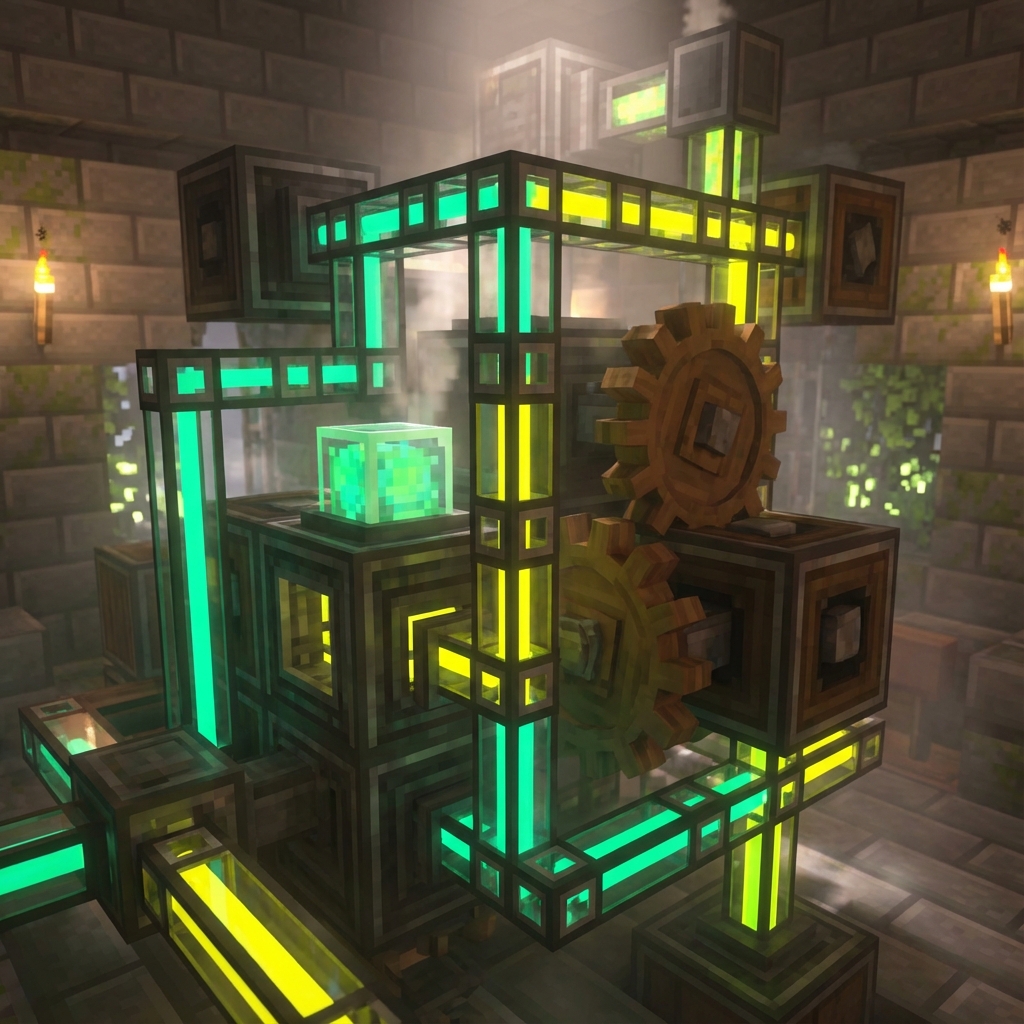
The Modding Problem Nobody Talks About
You've seen the YouTube video. The modpack looks incredible—custom dimensions, magic systems, hundreds of hours of content. Your heart races. You want to play that.
Then reality hits:
"Okay, first I need to download CurseForge... wait, or is it Modrinth? Then I need to find the server files... but those are different from client files? And I need Forge... or is it Fabric? What version? And these dependencies—"
Three hours later, you're on Reddit asking why your server won't start.
This is the modding experience for most players. A gauntlet of technical knowledge that filters out anyone who doesn't have the patience to become an amateur systems administrator.
MANAfuel was built to destroy this barrier.
How Modding Should Work
Here's how you install a modpack on MANAfuel:
You: "Hey Bob, install All The Mods 9 on my server"
Bob: "Installing All The Mods 9 (ATM9) version 0.2.60. This modpack requires a minimum of 8GB RAM—you have 10GB allocated, so you're good. I'm setting up Forge 47.2.20, configuring optimal JVM arguments for this modpack size, and pre-generating spawn chunks to reduce initial lag. Estimated time: 90 seconds."
90 seconds later
Bob: "Done. ATM9 is installed and your server is starting. I've set max-tick-time to -1 to prevent watchdog crashes during heavy worldgen. Your players can connect in about 45 seconds once the server finishes loading."
That's it. No file managers. No manual downloads. No comparing Forge versions. No Googling "why won't ATM9 start."
What Bob Actually Does During Installation
Let's peek behind the curtain. When you ask Bob to install a modpack, here's what happens:
1. Modpack Identification
Bob queries the CurseForge and Modrinth APIs to find the exact modpack you're asking for. If there are multiple versions or similar names, he asks for clarification rather than guessing wrong.
2. Compatibility Check
Before downloading anything, Bob verifies:
- Your server has enough RAM for this modpack
- The modpack is compatible with your server's game version
- Required dependencies are identified
3. Smart Downloading
Bob downloads the server files (not the client files—a common mistake that breaks servers). He knows the difference and always gets the right ones.
4. Mod Loader Setup
Whether the pack needs Forge, Fabric, NeoForge, or Quilt, Bob installs and configures the correct version automatically.
5. Configuration Optimization
Here's where it gets interesting. Bob doesn't just install—he optimizes:
- JVM Arguments: Tuned for your specific RAM allocation
- Server Properties: Adjusted based on modpack requirements
- Performance Configs: Pre-configured settings for known resource-heavy mods
- Spawn Pre-generation: Reduces first-login lag for new players
6. Dependency Resolution
The nightmare of modding—"this mod requires Library X version 1.2.3 but you have 1.2.1"—is handled automatically. Bob builds a compatible mod stack.
The Three Fears of Modding (and How We Solve Them)
Fear #1: "I'll break my server"
Traditional Hosting: You make a change, something breaks, and you're stuck. You might have backups, but do you know how to restore them? Will restoring lose player progress?
MANAfuel: Every significant change creates an automatic save point. If something goes wrong, Bob can roll back to any previous state. Your players' progress is never at risk.
You: "Bob, undo the last change"
Bob: "Rolled back to the state before installing OptiFine. Your server is back online."
Fear #2: "I don't understand the error messages"
Traditional Hosting: Crash logs are walls of Java stack traces. Understanding them requires programming knowledge or hours of Google searches.
MANAfuel: Bob reads crash logs and translates them to English.
Bob: "Your server crashed because ImmersiveEngineering tried to load a texture that doesn't exist. This usually happens when you're missing the mod's resource pack. I've downloaded and applied the correct resource pack. Try starting the server again."
You don't need to understand what a NullPointerException is. Bob tells you what's actually wrong.
Fear #3: "Updating will break everything"
Traditional Hosting: Modpack updates are terrifying. Will your world be compatible? Will your configs be overwritten? Will mods stop working together?
MANAfuel: Bob handles updates incrementally:
You: "Bob, is there an update for ATM9?"
Bob: "ATM9 has updated from 0.2.60 to 0.2.62. Changes include bug fixes and one new mod (AE2 Additions). This update is save-compatible. Would you like me to:
- Apply the update now (server will restart)
- Schedule the update for 3 AM when no players are online
- Skip this update"
You make informed decisions with full context, not blind leaps of faith.
Advanced Modding: Custom Configurations
Not every modder wants a pre-packaged experience. Some want to build their own mod lists from scratch.
Adding Individual Mods
You: "Bob, add JourneyMap to my server"
Bob: "JourneyMap has two versions available for Forge 1.20.1:
- JourneyMap 5.9.18 (stable)
- JourneyMap 5.9.20-beta (new features, possible bugs)
Which would you prefer?"
Mod Recommendations
You: "Bob, what performance mods would you recommend for my modpack?"
Bob: "Based on your current mod list (47 mods, primarily tech-focused), I recommend:
- Starlight: Rewrites the lighting engine (major server TPS boost)
- FerriteCore: Reduces memory usage by ~50% for mod registries
- Krypton: Optimizes networking (better player connection handling)
These are server-side only, so your players don't need to install anything. Want me to add them?"
Conflict Detection
You: "Bob, add OptiFine to my server"
Bob: "Hold on—you're running Sodium on the client side, which conflicts with OptiFine. OptiFine also doesn't have server components; it's client-only. Did you mean to add it to the modpack for players to download, or are you trying to improve server-side performance? If it's performance, I can suggest server-specific alternatives."
Bob prevents mistakes before they cost you hours of debugging.
The Technical Details (For Those Who Want Them)
For server admins who like to understand what's happening under the hood:
JVM Arguments We Use
Our default arguments for modded Minecraft:
-XX:+UseG1GC
-XX:+ParallelRefProcEnabled
-XX:MaxGCPauseMillis=200
-XX:+UnlockExperimentalVMOptions
-XX:+DisableExplicitGC
-XX:G1NewSizePercent=30
-XX:G1MaxNewSizePercent=40
-XX:G1HeapRegionSize=8M
-XX:G1ReservePercent=20
-XX:G1HeapWastePercent=5
-XX:G1MixedGCCountTarget=4
-XX:InitiatingHeapOccupancyPercent=15
-XX:G1MixedGCLiveThresholdPercent=90
-XX:G1RSetUpdatingPauseTimePercent=5
-XX:SurvivorRatio=32
-XX:+PerfDisableSharedMem
-XX:MaxTenuringThreshold=1
But these aren't static. Bob adjusts based on:
- Your total RAM allocation
- The specific modpack (some benefit from different settings)
- Observed performance patterns over time
Supported Mod Loaders
- Forge (all modern versions)
- Fabric (with Fabric API)
- NeoForge (the Forge fork)
- Quilt (Fabric-compatible)
- Paper/Spigot (for plugins instead of mods)
- Hybrid servers (Forge + Bukkit via Mohist/Arclight)
Mod Sources
Bob can pull mods from:
- CurseForge (largest mod repository)
- Modrinth (growing alternative)
- Direct URLs (for niche mods hosted elsewhere)
- GitHub Releases (for development builds)
From "I'm Scared to Break It" to "I Can Build Anything"
The psychological shift is real.
When modding is easy and reversible, creativity flourishes:
- You try that weird modpack someone mentioned on Reddit
- You combine two modpacks that shouldn't work together (Bob figures it out)
- You experiment with configs that might break things (rollbacks exist)
- You actually enjoy the server admin experience
Modding isn't supposed to be a barrier. It's supposed to be the point.
MANAfuel makes it accessible to everyone—not just people with computer science backgrounds.
Ready to Mod Without Fear?
Your dream modpack is one conversation away. No technical knowledge required. No risk of permanent damage. Just tell Bob what you want.
Want to see Bob in action before committing? Join our Discord and watch other players interact with him. He's genuinely impressive.