
Terraria Server Hosting
tShock pre-installed, plugin management handled by Bob, and premium AMD Ryzen 7 9800X3D hardware that holds steady from Eye of Cthulhu through the Lunar Events.
Built for Terraria Players.
Every server runs the same enterprise stack. No upsells, no paywalls — the features below are included on every plan.
Hosted in US-East - Low Ping for North American Players
Your Terraria server runs on premium AMD Ryzen 7 9800X3D hardware in Vint Hill, Virginia - US-East. For players on the East Coast, Mid-Atlantic, and Southeast, that means typical pings under 30ms. Players in the Midwest and Texas typically see 40-70ms.
Where Your Server Lives
MANAfuel operates one game-server region: Vint Hill, Virginia - US-East. Every supported game server runs in that real region, on the same hardware class, with the same network path. If you are on the Pacific Coast, typical ping is closer to 70-90ms. From Western Europe, typical ping is closer to 100-140ms.
What Low Ping Means for Terraria
For Terraria, low ping keeps boss fights, wiring, and item use responsive across long sessions, especially when several players are building or fighting at once.
Stupid fast hardware.
Premium AMD Ryzen 7 9800X3D hardware. NVMe Gen4. DDR5. 10 Gbps uplinks. No shared cores. No oversold nodes. No surprises on wipe day.
Premium AMD Ryzen 7 9800X3D hardware
Dedicated hardware keeps CPU-heavy game server workloads responsive.
Low-latency memory
ECC DDR5 at 6400 MT/s. Chunk loading and entity sims stop being the bottleneck.
Sub-100µs reads
Enterprise NVMe Gen4 SSDs. World saves and backups complete in milliseconds, not minutes.
Tier-1 uplinks
10 Gbps premium transit and edge-scrubbed DDoS protection from Vint Hill, Virginia - US-East.
Bob - Your Terraria Server's AI Sysadmin
Bob scans your Terraria server, diagnoses logs, watches resource pressure, and fixes common issues after you approve the plan.
Terraria Server Hosting.
AI Ops included.
Plans from $6/mo. Billed monthly · No setup fees · Cancel anytime · $1.50/GB-month.
Starter - $6.00/mo
- ✓Up to ~8 players
- ✓DDoS protection
- ✓NVMe storage
- ✓tShock pre-installed
- ✓Bob AI ops
- ✓14 save points
Gamer - $9.00/mo
- ✓Up to ~16 players
- ✓DDoS protection
- ✓NVMe storage
- ✓tShock + plugins
- ✓Bob AI ops
- ✓14 save points
Creator - $12.00/mo
- ✓Up to ~32 players
- ✓DDoS protection
- ✓NVMe storage
- ✓tShock + plugins
- ✓Bob AI ops
- ✓14 save points
How Much RAM Does Terraria Need?
Start with player count, mod load, and world size. These monthly plan totals keep pricing simple while Bob watches memory pressure and detects when a larger plan is worth considering.
| Use case | RAM | Recommended plan | Monthly cost |
|---|---|---|---|
| Small private server | 4 GB | Starter | $6.00/mo |
| Most groups and modded play | 6 GB | Gamer | $9.00/mo |
| Larger communities and heavy worlds | 8 GB | Creator | $12.00/mo |
How to Set Up Your Terraria Server
- 1Choose Starter, Gamer, or Creator based on player count, mods, and expected server activity.
- 2Name your Terraria server and choose the version or server type you want to run.
- 3Click Deploy. MANAfuel provisions the server and prepares the connection address.
- 4Share the server address and connect from the Terraria multiplayer menu.
Full mod support.
tShock comes pre-installed. Tell Bob which plugins you need — he installs, configures permissions, and resolves conflicts.
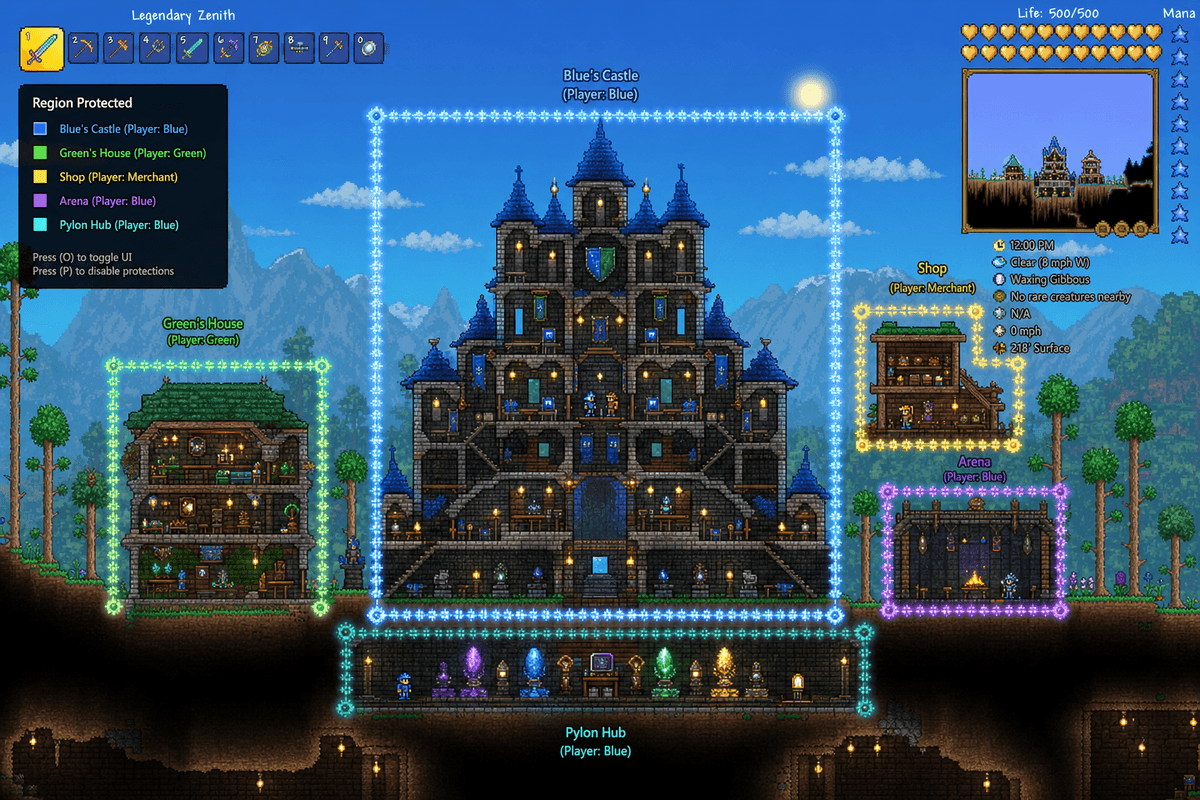
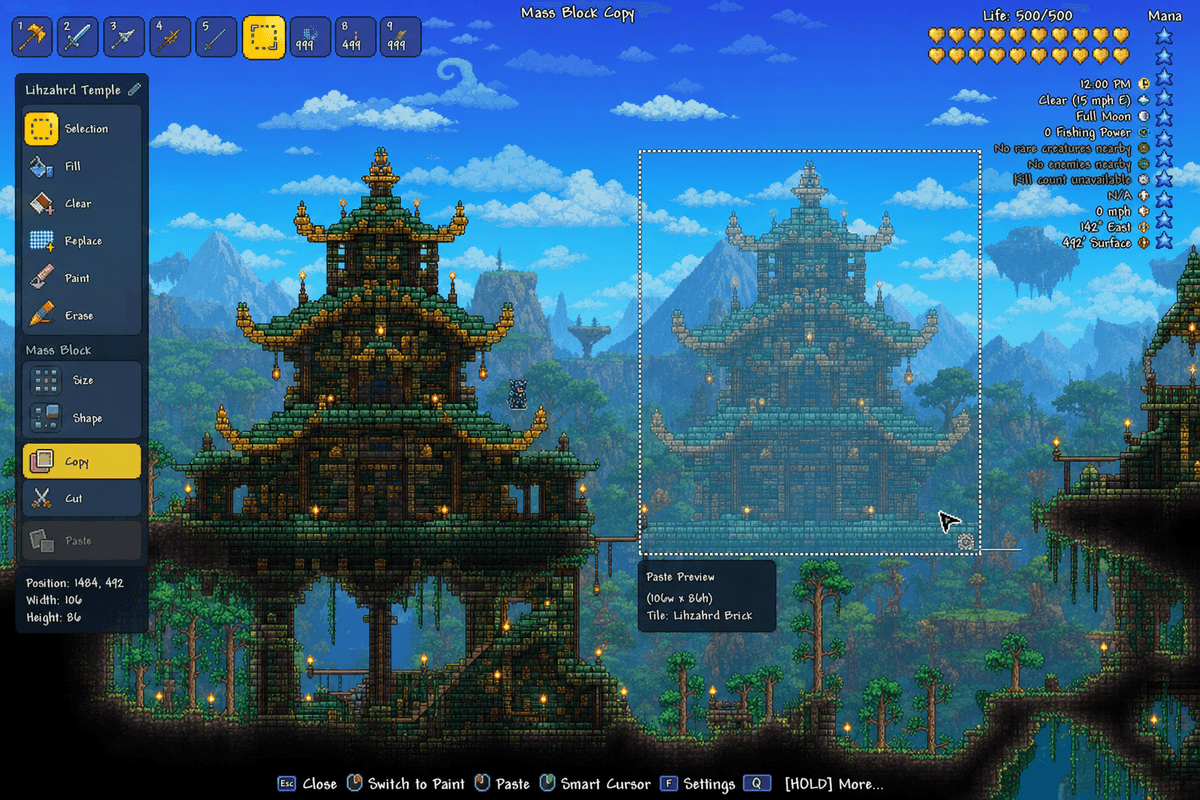
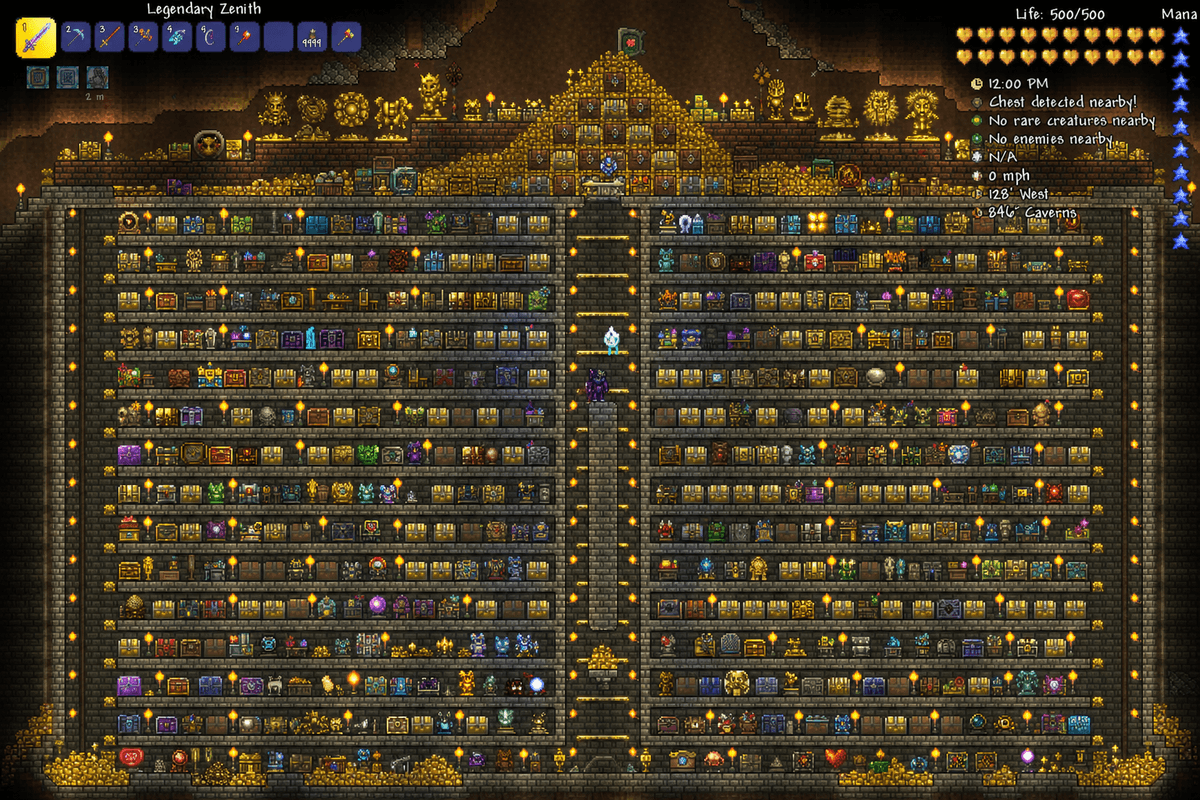
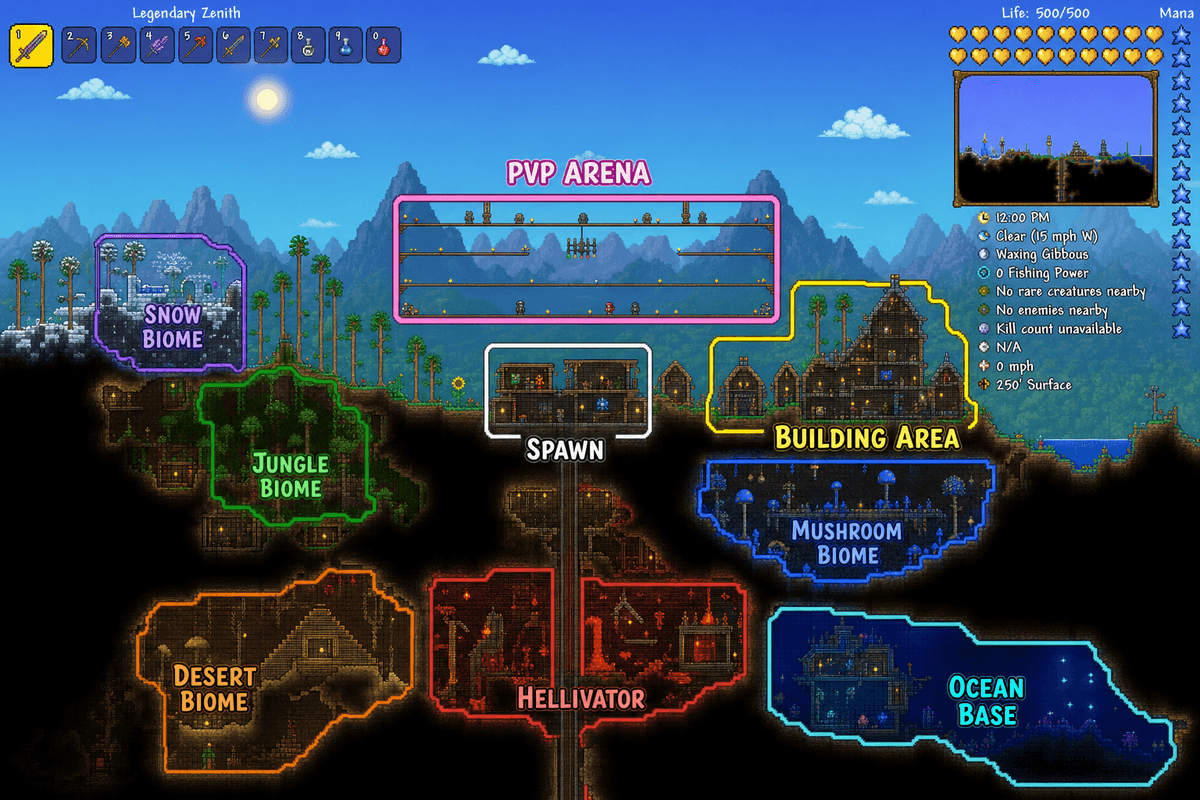
Learn about Terraria Server Hosting.
Guides, tutorials, and admin references to help you run a better Terraria server.
About Terraria
Server Hosting.
Terraria Servers Built for the Long Progression
Terraria worlds grow. Pre-hardmode exploration turns into hardmode boss rushes, mechanical bosses give way to Plantera and Golem, and eventually your group is stacking buffs for Moon Lord. The server needs to handle wiring machines, hundreds of active NPCs, event spawns, and the chaos of a Pumpkin Moon.
Premium AMD Ryzen 7 9800X3D hardware handles Terraria's entity simulation cleanly — boss fights stay smooth, wire logic fires without delay, and world saves stay fast.
tShock From the Start
tShock is Terraria's server framework. It handles permissions, anti-grief protection, chat commands, region management, and the plugin ecosystem that makes community servers possible. Every MANAfuel Terraria server deploys with tShock pre-installed. Tell Bob which plugins you need and he handles the rest.
Every Difficulty. Every Mode.
Expert, Master, Journey, Classic — pick the difficulty your group wants and deploy. Journey Mode gives full world control for creative builds. Expert and Master Mode scale boss difficulty and loot tables for groups that want the challenge. Switch between worlds with different modes from the same plan.
Progression Protected
Wall of Flesh just converted your world to hardmode and corruption is spreading. A Blood Moon spawns 200 enemies while half your group is underground. The server hiccups and you lose 30 minutes of progress. That scenario does not happen here.
Bob runs automatic save points on your schedule. Flag a backup before hardmode conversion. Restore any of 14 save points in minutes.
Frequently Asked.
The things people ask most before deploying a Terraria server. If yours isn't here, ask Bob.
Deploy Terraria in minutes.
Pick your plan, pay, and your server is live. No config files. No support tickets. Just play.
Deploy in Minutes
Pick Terraria, pick RAM, pay. Your server is live. No config files. No waiting.
Terraria First
Start with a Terraria server page built for the game you picked, then add another supported server when your group switches games.
AI-Driven Operations
Bob scans logs, watches resource pressure, diagnoses crashes, and fixes common issues after approval.
Comparing Terraria server hosts?
Read the evaluation page for Terraria: plans, Bob diagnostics, save points, and source-backed provider notes in one place.
Planning a Terraria server? Compare the plan options and hosting tradeoffs before you deploy.