
Minecraft Bedrock Server Hosting
Minecraft Bedrock Edition hosting for cross-platform friend groups. Deploy in minutes, connect from any device, and let Bob handle the server so your group just plays.
Built for Minecraft Bedrock Players.
Every server runs the same enterprise stack. No upsells, no paywalls — the features below are included on every plan.
Stupid fast hardware.
Premium AMD Ryzen 7 9800X3D hardware. NVMe Gen4. DDR5. 10 Gbps uplinks. No shared cores. No oversold nodes. No surprises on wipe day.
Premium AMD Ryzen 7 9800X3D hardware
Dedicated hardware keeps CPU-heavy game server workloads responsive.
Low-latency memory
ECC DDR5 at 6400 MT/s. Chunk loading and entity sims stop being the bottleneck.
Sub-100µs reads
Enterprise NVMe Gen4 SSDs. World saves and backups complete in milliseconds, not minutes.
Tier-1 uplinks
10 Gbps premium transit and edge-scrubbed DDoS protection from Vint Hill, Virginia - US-East.
Bob - Your Minecraft Bedrock Server's AI Sysadmin
Bob scans your Minecraft Bedrock server, diagnoses logs, watches resource pressure, and fixes common issues after you approve the plan.
Minecraft Bedrock Server Hosting.
AI Ops included.
Plans from $6/mo. Billed monthly · No setup fees · Cancel anytime · $1.50/GB-month.
Starter - $6.00/mo
- ✓Up to ~8 players
- ✓DDoS protection
- ✓NVMe storage
- ✓Cross-platform play
- ✓Bob AI ops
- ✓14 save points
Gamer - $12.00/mo
- ✓Up to ~15 players
- ✓DDoS protection
- ✓NVMe storage
- ✓Cross-platform play
- ✓Bob AI ops
- ✓14 save points
Creator - $18.00/mo
- ✓Up to ~30 players
- ✓DDoS protection
- ✓NVMe storage
- ✓Cross-platform play
- ✓Bob AI ops
- ✓14 save points
How Much RAM Does Minecraft Bedrock Need?
Start with player count, mod load, and world size. These monthly plan totals keep pricing simple while Bob watches memory pressure and detects when a larger plan is worth considering.
| Use case | RAM | Recommended plan | Monthly cost |
|---|---|---|---|
| Small private server | 4 GB | Starter | $6.00/mo |
| Most groups and modded play | 8 GB | Gamer | $12.00/mo |
| Larger communities and heavy worlds | 12 GB | Creator | $18.00/mo |
How to Set Up Your Minecraft Bedrock Server
- 1Choose Starter, Gamer, or Creator based on player count, mods, and expected server activity.
- 2Name your Minecraft Bedrock server and choose the version or server type you want to run.
- 3Click Deploy. MANAfuel provisions the server and prepares the connection address.
- 4Share the server address and connect from the Minecraft Bedrock multiplayer menu.
Full mod support.
Bedrock uses add-ons, behavior packs, and resource packs — not Java mods. Tell Bob what you want and he installs packs, resolves conflicts, and configures your server automatically.
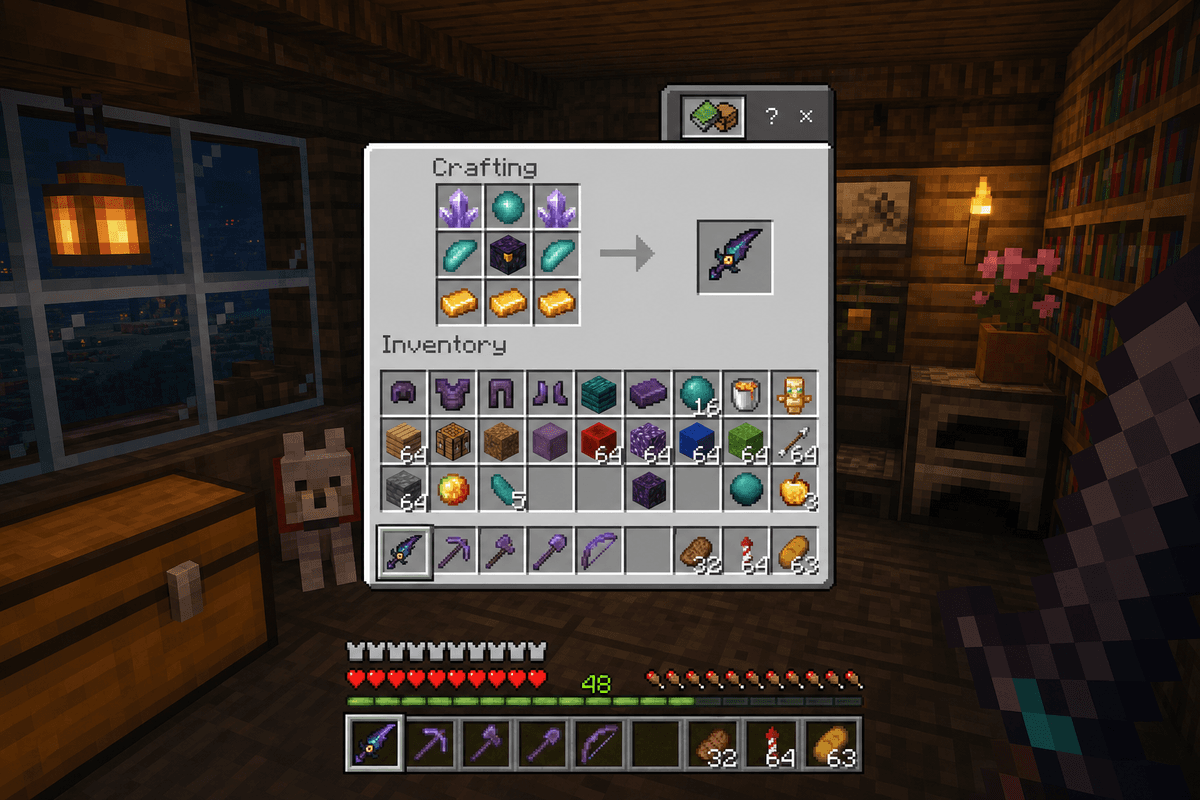
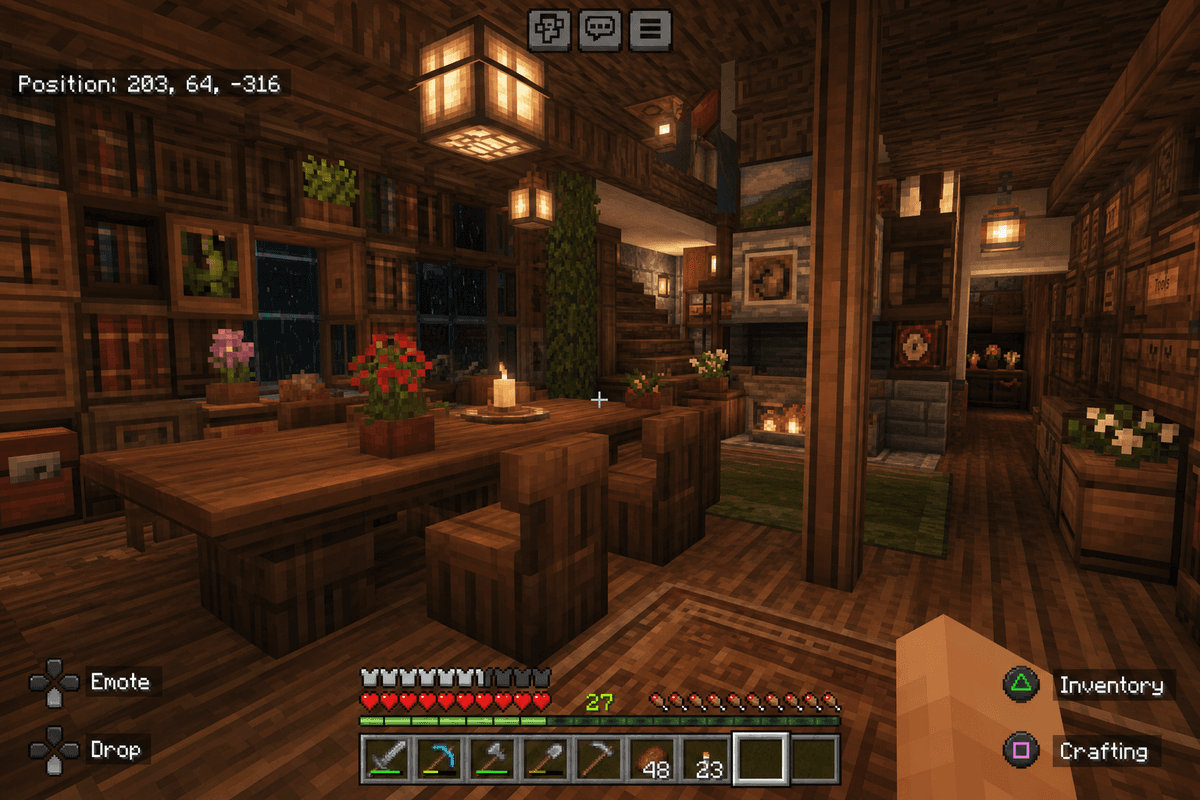
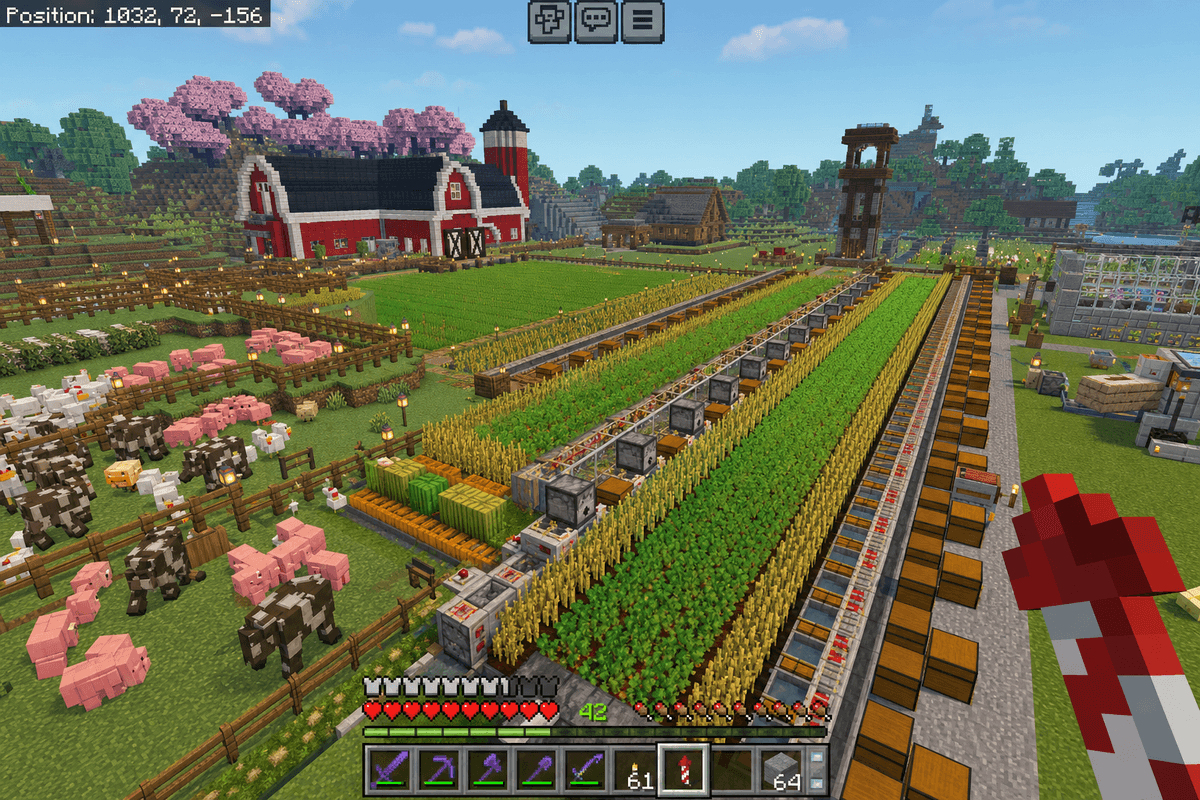
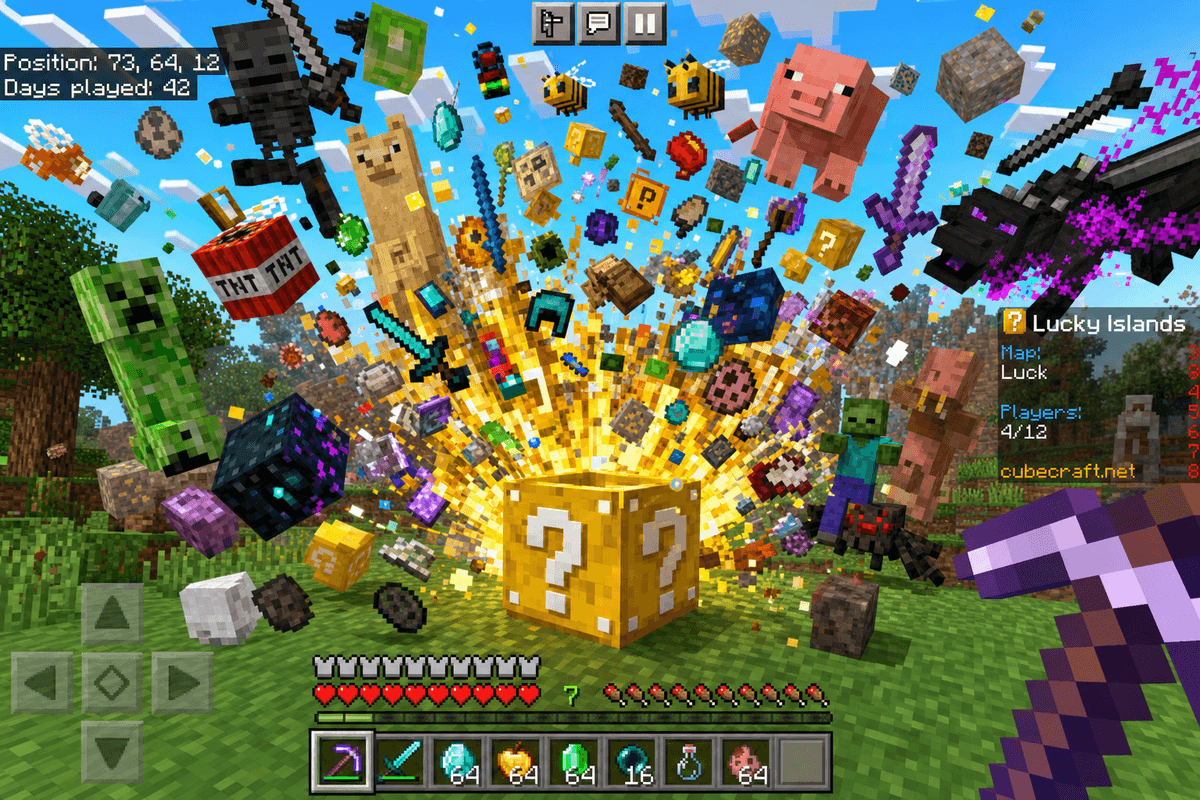
Learn about Minecraft Bedrock Server Hosting.
Guides, tutorials, and references to help you run a better Minecraft Bedrock server.
About Minecraft Bedrock
Server Hosting.
One Server. Xbox, Switch, Mobile, PC.
Bedrock Edition is how most people actually play Minecraft. Your kid is on Switch. Their friend is on Xbox. Someone else is on an iPad. The whole point of Bedrock is that everyone connects to the same world from whatever device they have.
MANAfuel Bedrock hosting makes that work without port forwarding, without DNS configuration, without asking a 12-year-old to edit a config file. Deploy, share the address, play.
Add-Ons Without the Headache
Bedrock doesn't use Java mods. It uses add-ons, behavior packs, and resource packs. Different ecosystem, same principle: you want new content on your server without spending a weekend debugging it.
Tell Bob what you want — custom recipes, new furniture, better farming — and he finds compatible packs, installs them, and configures your server. Pack conflicts? Bob identifies the issue and resolves it.
Built for Families and Friend Groups
Bedrock is the edition parents buy for their kids. It runs on the devices kids already own. A Bedrock server means your child's friend group can build together without relying on Realms limitations.
Bob manages the server. Your kid just plays. You don't need to become IT support for a group of 10-year-olds. Bob runs the ops — backups, updates, restarts.
Worlds That Stay Safe
14 save points on your schedule. Your kid accidentally blew up the family base? One-click restore. A behavior pack corrupted the world? Roll back. Someone griefed spawn? Roll back. Progress is always one click from recovery.
Frequently Asked.
The things people ask most before deploying a Minecraft Bedrock server. If yours isn't here, ask Bob.
Deploy Minecraft Bedrock in minutes.
Pick your plan, pay, and your server is live. Xbox, Switch, mobile, PC — everyone connects with one address.
Deploy in Minutes
Pick Minecraft Bedrock, pick RAM, pay. Your server is live. No config files. No waiting.
Minecraft Bedrock First
Start with a Minecraft Bedrock server page built for the game you picked, then add another supported server when your group switches games.
AI-Driven Operations
Bob scans logs, watches resource pressure, diagnoses crashes, and fixes common issues after approval.
Planning a Minecraft Bedrock server? Compare the plan options and hosting tradeoffs before you deploy.