
Counter-Strike 2 Server Hosting
Retakes, surf, KZ, deathmatch, 1v1 arenas — run the game modes your players actually want. Premium AMD Ryzen 7 9800X3D hardware, Source RCON, and Steam Workshop maps.
Built for Counter-Strike 2 Players.
Every server runs the same enterprise stack. No upsells, no paywalls — the features below are included on every plan.
Hosted in US-East - Low Ping for North American Players
Your Counter-Strike 2 server runs on premium AMD Ryzen 7 9800X3D hardware in Vint Hill, Virginia - US-East. For players on the East Coast, Mid-Atlantic, and Southeast, that means typical pings under 30ms. Players in the Midwest and Texas typically see 40-70ms.
Where Your Server Lives
MANAfuel operates one game-server region: Vint Hill, Virginia - US-East. Every supported game server runs in that real region, on the same hardware class, with the same network path. If you are on the Pacific Coast, typical ping is closer to 70-90ms. From Western Europe, typical ping is closer to 100-140ms.
What Low Ping Means for Counter-Strike 2
For Counter-Strike 2, server distance has a direct effect on how cleanly peeks, trades, and utility timings feel for North American players.
Stupid fast hardware.
Premium AMD Ryzen 7 9800X3D hardware. NVMe Gen4. DDR5. 10 Gbps uplinks. No shared cores. No oversold nodes. No surprises on wipe day.
Premium AMD Ryzen 7 9800X3D hardware
Dedicated hardware keeps CPU-heavy game server workloads responsive.
Low-latency memory
ECC DDR5 at 6400 MT/s. Chunk loading and entity sims stop being the bottleneck.
Sub-100µs reads
Enterprise NVMe Gen4 SSDs. World saves and backups complete in milliseconds, not minutes.
Tier-1 uplinks
10 Gbps premium transit and edge-scrubbed DDoS protection from Vint Hill, Virginia - US-East.
Bob - Your Counter-Strike 2 Server's AI Sysadmin
Bob scans your Counter-Strike 2 server, diagnoses logs, watches resource pressure, and fixes common issues after you approve the plan.
Counter-Strike 2 Server Hosting.
AI Ops included.
Plans from $6/mo. Billed monthly · No setup fees · Cancel anytime · $1.50/GB-month.
Starter - $6.00/mo
- ✓Up to ~12 players
- ✓DDoS protection
- ✓NVMe storage
- ✓Steam Workshop maps
- ✓Bob AI ops
- ✓14 save points
Gamer - $12.00/mo
- ✓Up to ~32 players
- ✓DDoS protection
- ✓NVMe storage
- ✓Steam Workshop maps
- ✓Bob AI ops
- ✓14 save points
Creator - $18.00/mo
- ✓Up to ~64 players
- ✓DDoS protection
- ✓NVMe storage
- ✓Steam Workshop maps
- ✓Bob AI ops
- ✓14 save points
How Much RAM Does Counter-Strike 2 Need?
Start with player count, mod load, and world size. These monthly plan totals keep pricing simple while Bob watches memory pressure and detects when a larger plan is worth considering.
| Use case | RAM | Recommended plan | Monthly cost |
|---|---|---|---|
| Small private server | 4 GB | Starter | $6.00/mo |
| Most groups and modded play | 8 GB | Gamer | $12.00/mo |
| Larger communities and heavy worlds | 12 GB | Creator | $18.00/mo |
How to Set Up Your Counter-Strike 2 Server
- 1Choose Starter, Gamer, or Creator based on player count, mods, and expected server activity.
- 2Name your Counter-Strike 2 server and choose the version or server type you want to run.
- 3Click Deploy. MANAfuel provisions the server and prepares the connection address.
- 4Share the server address and connect from the Counter-Strike 2 multiplayer menu.
Full mod support.
Steam Workshop maps load automatically by collection ID. Tell Bob which game modes you want — he configures SourceMod, MetaMod, and your server.cfg.
Learn about Counter-Strike 2 Server Hosting.
Guides, tutorials, and admin references to help you run a better Counter-Strike 2 server.
About Counter-Strike 2
Server Hosting.
Community Servers That Actually Hold Tick Rate
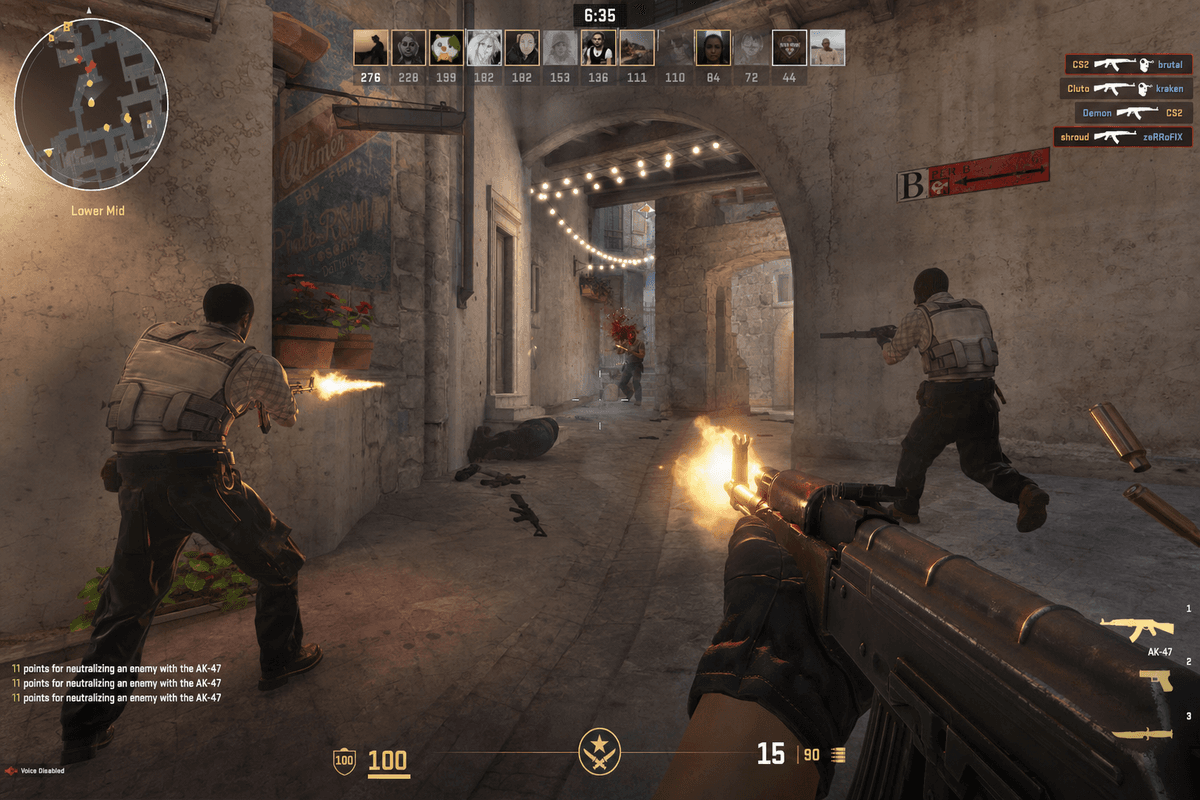
64 players on a retakes server. Smokes blooming across A site. Utility flying everywhere. And your tick rate is still where it should be.
Every MANAfuel CS2 server runs on premium AMD Ryzen 7 9800X3D hardware. Single-thread performance is what CS2 cares about, and that's where these chips dominate. Your 128-tick server stays at 128 tick when it matters.
Every Game Mode Your Community Wants
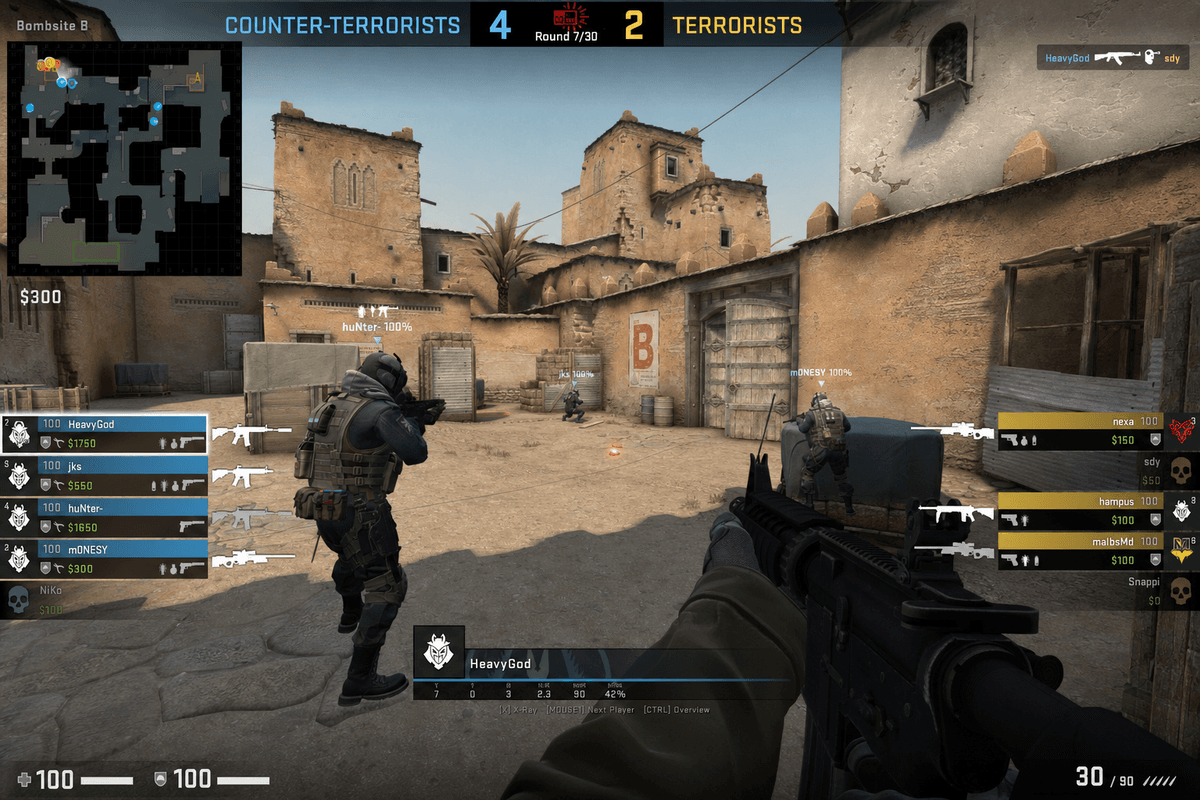
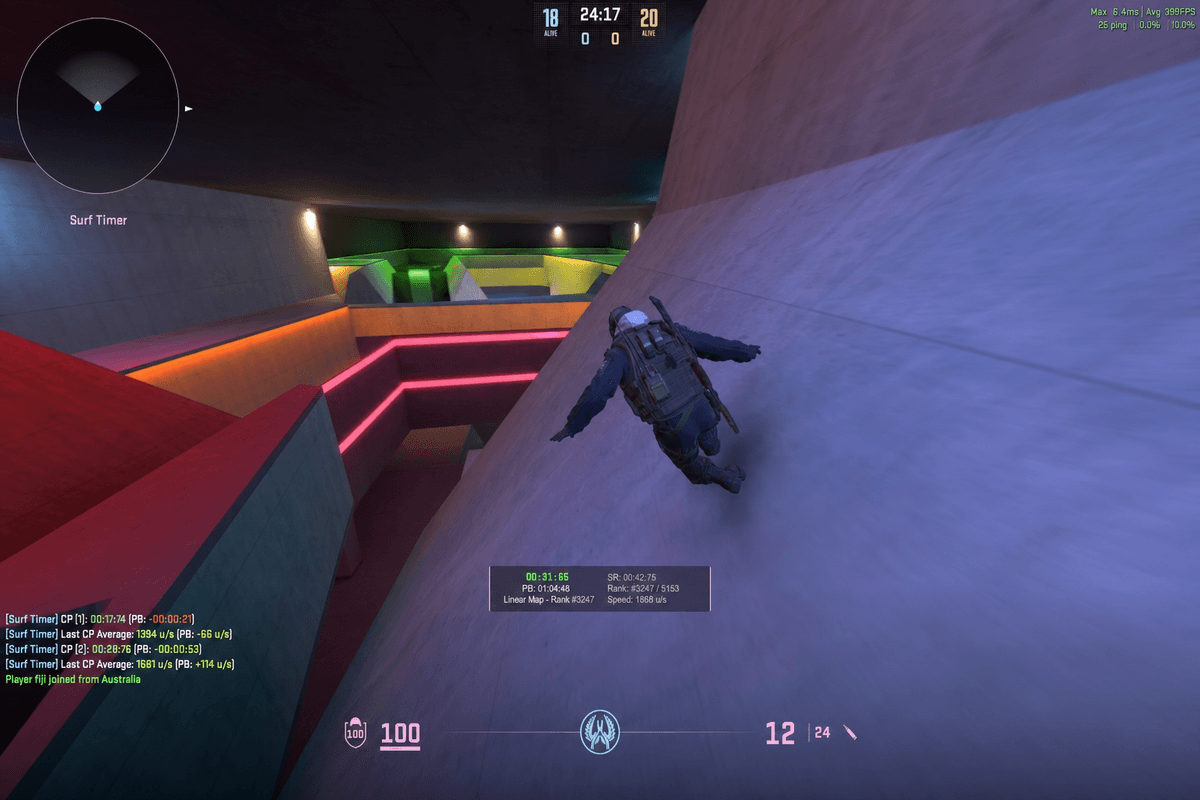
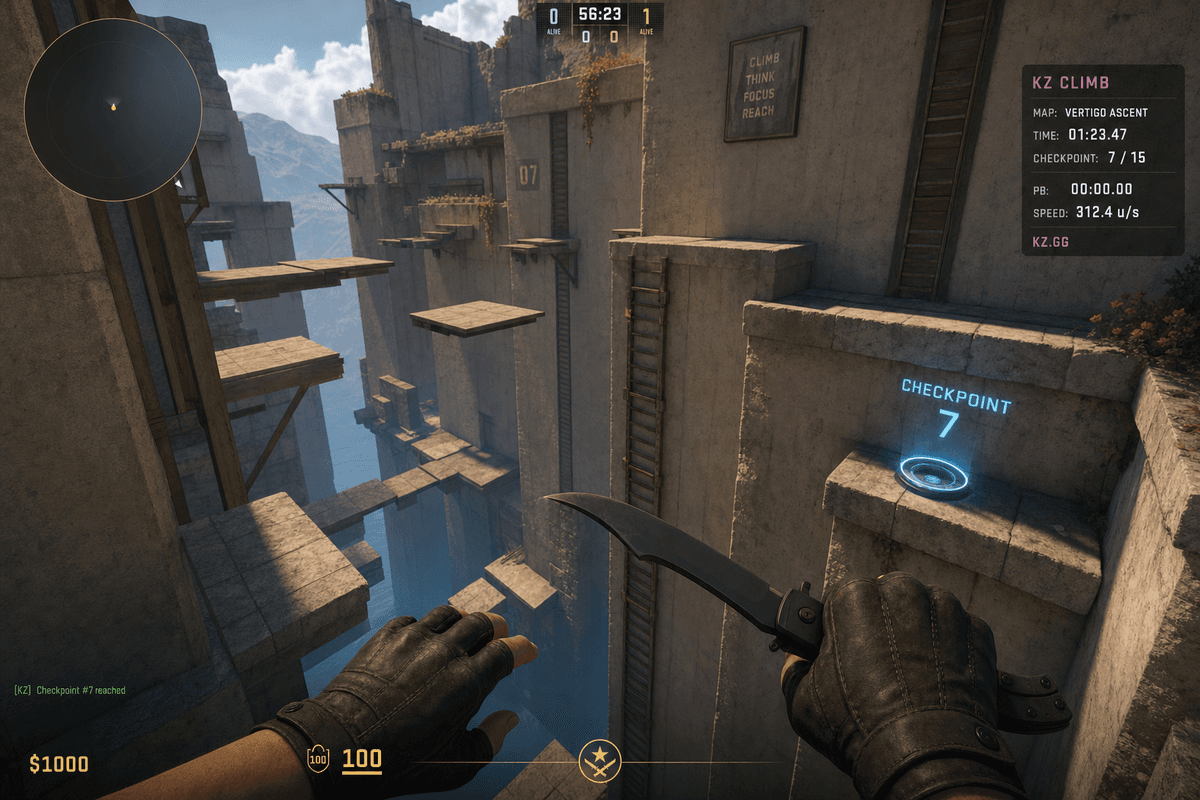
Retakes. Surf. KZ. Bhop. Deathmatch. 1v1 arenas. Hide and seek. Practice configs for your team's strat night. Whatever mode your community runs, your server supports it.
Steam Workshop maps load automatically — paste your collection ID and your map rotation handles itself. SourceMod and MetaMod give you the full plugin ecosystem. Bob configures your game mode, installs the plugins, and resolves conflicts.
GOTV and Match Demos Built In
Record every match with GOTV. Your players review demos. Your tournament organizers have proof. Your content creators have footage.
GOTV runs on its own port, so spectators don't consume player slots. Configure auto-recording, demo storage, and spectator access from your dashboard.
From Casual Lobbies to Tournament Infrastructure
Start with a 12-player retakes server on Starter. Scale to a 64-player community hub on Creator when your Discord grows. Same server identity, same configs, same Workshop maps. Just more capacity.
Running a tournament? Bob configures match settings, enables knife rounds, sets up overtime rules, and records GOTV demos. You run the bracket. Bob runs the infrastructure.
Frequently Asked.
The things people ask most before deploying a Counter-Strike 2 server. If yours isn't here, ask Bob.
Deploy Counter-Strike 2 in minutes.
Pick your plan, configure your game mode, and your server is live. Workshop maps, RCON, GOTV — all included.
Deploy in Minutes
Pick Counter-Strike 2, pick RAM, pay. Your server is live. No config files. No waiting.
Counter-Strike 2 First
Start with a Counter-Strike 2 server page built for the game you picked, then add another supported server when your group switches games.
AI-Driven Operations
Bob scans logs, watches resource pressure, diagnoses crashes, and fixes common issues after approval.
Comparing Counter-Strike 2 server hosts?
Read the evaluation page for CS2: plans, Bob diagnostics, save points, and source-backed provider notes in one place.
Planning a Counter-Strike 2 server? Compare the plan options and hosting tradeoffs before you deploy.